
Airplane mode primarily disconnects your phone from the cellular network, stopping ordinary mobile calls, SMS texts and mobile data. Its exact behaviour varies by phone and settings: wireless LAN and Bluetooth can often be switched back on, while GPS and offline features may remain available.
That distinction lets you disconnect from mobile networks while keeping GPS and useful offline features available. Flight mode is another name for the same setting, named after restrictions on transmitting signals during flights. Here's what that means for everyday use.
Key Takeaways
- Mobile network connections switch off, including cellular data roaming.
- Wireless LAN and Bluetooth can usually be enabled separately.
- Alarms, the camera and downloaded entertainment remain available.
- GPS often continues working, and airline instructions still apply.
What Airplane Mode Switches Off
Cellular Calls, Texts and Mobile Data
Your phone stops connecting to mobile masts (cell towers), whether it normally uses 4G or 5G. Standard calls, SMS messages and mobile internet become unavailable.
Callers generally reach voicemail or hear an unavailable message, depending on your network. You won't receive cellular notifications whilst disconnected. Stored messages and voicemail alerts may arrive after reconnection, although delivery depends on the service.
Wi-Fi, Bluetooth and GPS
The wireless LAN may switch off initially, whilst Bluetooth can remain enabled or follow a remembered preference. Both can usually be switched back on without restoring cellular service.
GPS is different: it receives satellite signals rather than transmitting to mobile masts. Many phones retain GPS reception, although behaviour varies. Download maps beforehand because finding your position doesn't automatically download the surrounding streets.
Wi-Fi calling may also work after reconnecting to Wi-Fi. Our Wi-Fi calling and cellular comparison explains how these connections differ.
The airplane icon doesn't guarantee that every wireless radio is off. Local wireless networking and Bluetooth may still be active.
Why Airlines Ask You to Disconnect
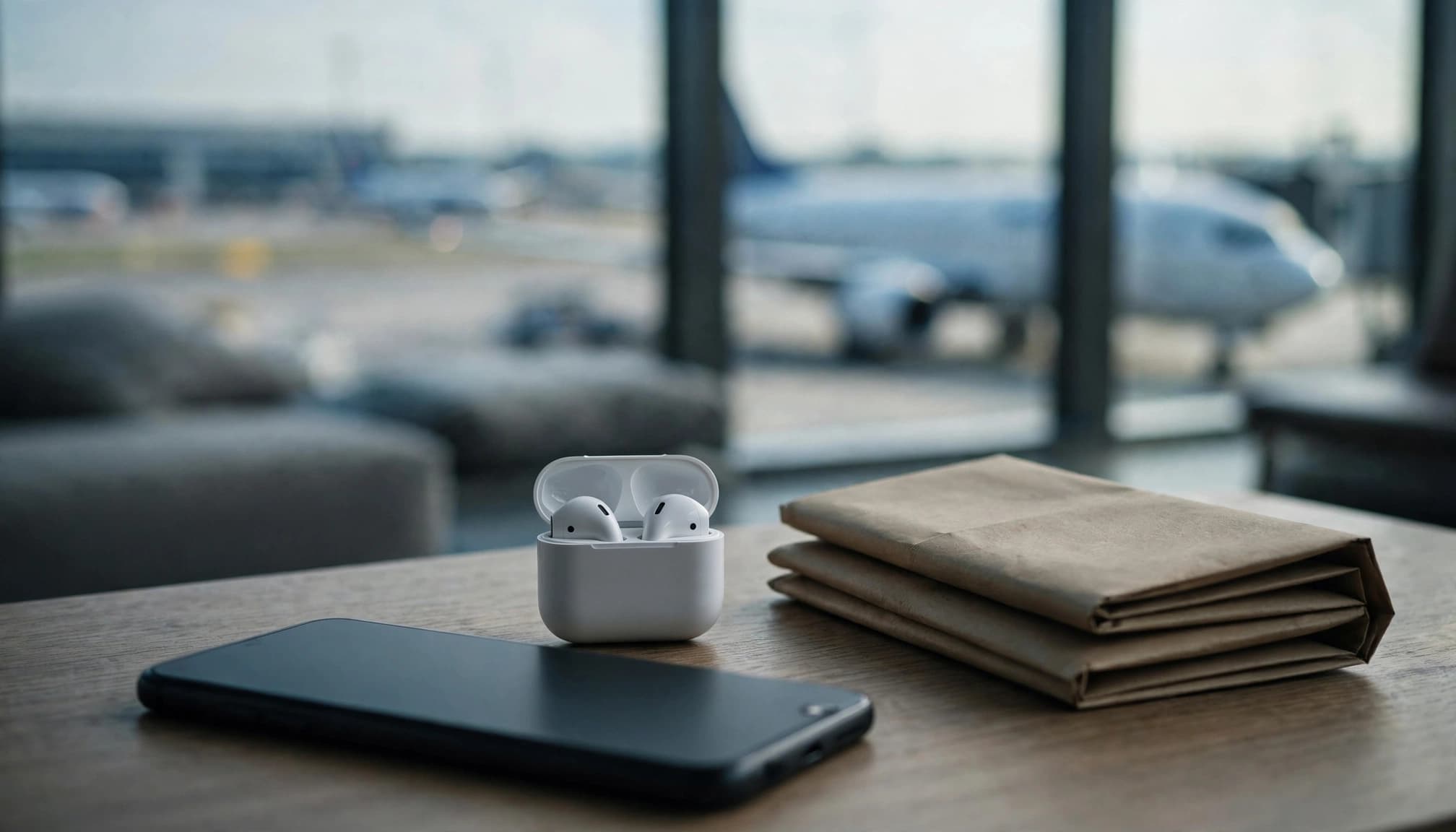
The purpose is controlled use of electronic devices around aircraft systems. Follow flight crew instructions, even when your phone allows a particular connection. Flight attendants can explain the airline's device rules and permitted onboard services.
The FAA's radio-altimeter interference alerts, issued by the Federal Aviation Administration, address potential interference from US 5G C-band services. These radio frequencies sit near those used by a radio altimeter. It measures height above the ground during takeoff and landing. This concern centres on ground-based networks, rather than establishing that every passenger handset interferes.
The European Commission's onboard 5G decision permits suitably equipped aircraft to offer wireless communication and mobile services. It doesn't mean every UK or EU flight allows calls or 5G.
In a 2017 Allianz Travel Insurance survey of over 1,500 Americans, 40% admitted sometimes skipping airplane mode; nearly 14% had made an onboard call or sent a text.
No documented catastrophic commercial aircraft accident has been established as caused by a passenger's phone. However, airlines must consider many devices operating together. A reminder is common, but persistent refusal can lead to removal or penalties. Interfering with crew can be a US federal offence.
How to Turn Airplane Mode On or Off
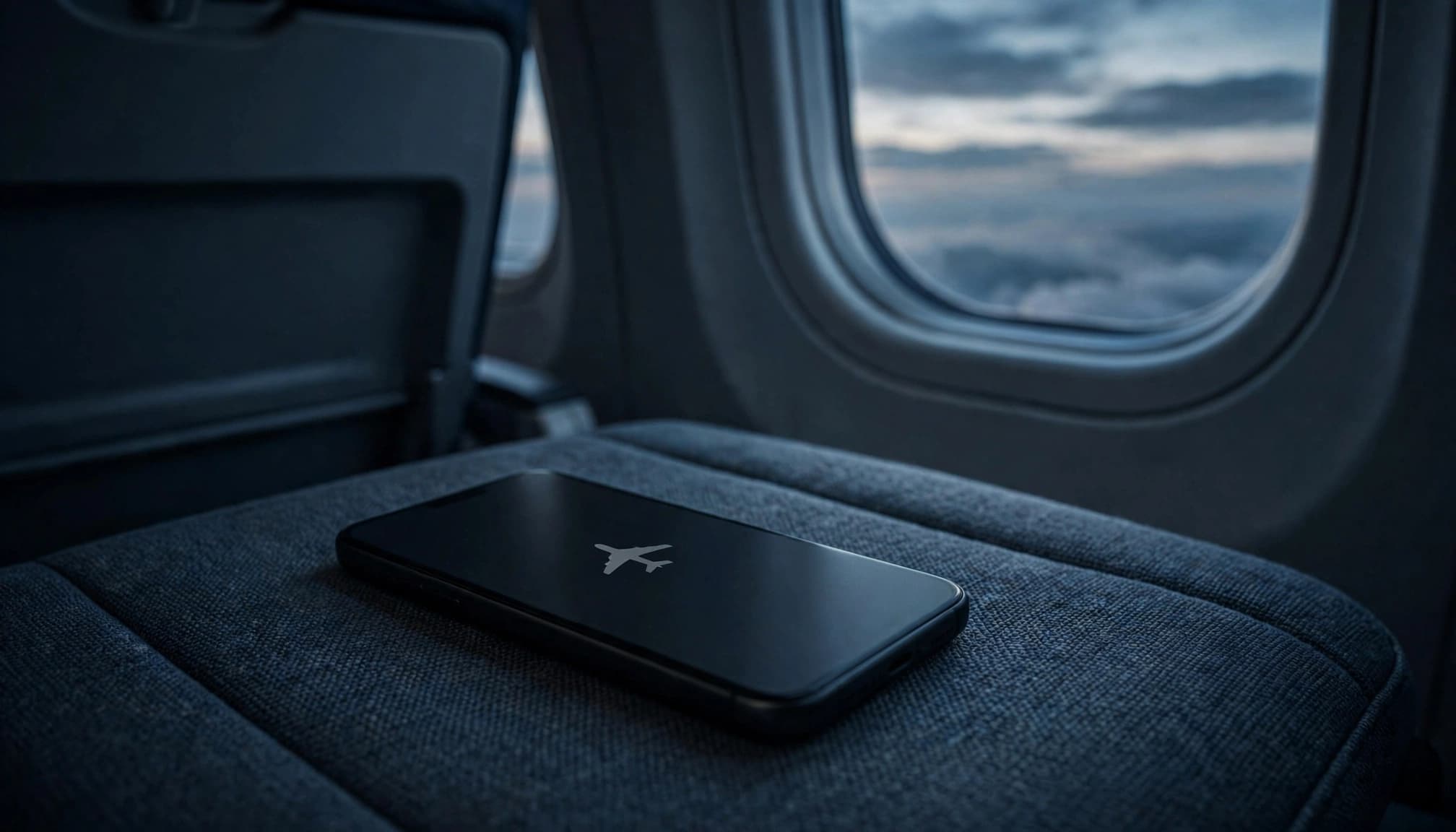
Tap the airplane icon to turn on airplane mode. Tap it again to switch the feature off.
| Device | Where to Find It |
|---|---|
| iPhone | Open Control Centre and tap the airplane icon. Some US-language guides call it Control Center. Or use Settings > Airplane Mode. |
| Android | Swipe down to open Quick Settings and tap the airplane icon. Alternatively, use Settings > Network and internet > Aeroplane mode. Names vary by manufacturer. |
| Windows 11 | Open Settings > Network & internet > Airplane mode. |
| Mac | There's no equivalent system-wide toggle. Switch Wi-Fi and Bluetooth off separately. |
On supported Apple Watch and Wear OS models, the airplane icon is available through Control Centre or Quick Settings. Watch connections can behave independently, so switching your phone's mode doesn't always disconnect your watch.
Battery, Roaming and Wireless Signals
Turning off cellular service prevents your phone from connecting to overseas mobile networks, helping avoid data roaming and roaming charges. Paid onboard Wi-Fi or mobile services can still carry separate charges.
Battery life gains are most noticeable when poor reception would otherwise keep your phone searching for coverage, so airplane mode can help save battery. Airplane mode isn't a guaranteed shortcut to substantially faster charging: older CNET charging tests suggest any gains are modest, measured in minutes.
Switching off cellular transmission also removes one source of radiofrequency signals. Local wireless networking and Bluetooth can still transmit if you re-enable them, and airplane mode doesn't remove electromagnetic fields from surrounding devices.
Frequently Asked Questions
Can You Text in Airplane Mode?
Ordinary SMS needs cellular service, unless supported through your network's Wi-Fi calling arrangement. WhatsApp, iMessage and similar services can work over Wi-Fi. Messages won't send without a suitable connection.
Will Alarms and Bluetooth Headphones Still Work?
Yes. Built-in alarms normally ring because the phone remains switched on. Downloaded music and Bluetooth wireless headphones can also work once Bluetooth is enabled. Streaming needs inflight Wi-Fi, and the airline must permit the connection.
Is Switching the Phone Off Better?
Powering down generally saves more battery, but removes access to apps and usually alarms. Airplane mode keeps the camera, notes, downloaded files and other offline functions available. Choose according to whether you still need the phone.
Stay in Control of Your Connections
Airplane mode gives you a practical way to disconnect cellular service while keeping useful offline features. What matters is which radios remain active, not just the airplane icon.
A digital detox can be one reason to disconnect. Keep Wi-Fi and Bluetooth on only when you need them, and follow the crew's instructions on a flight.


